 Netflix Video Downloader
Netflix Video Downloader Online
Download Netflix movie to computer online.
Download any Netflix clips from link for free.
Convert Netflix videos to MP4 for playing on any devices.

Copy the Netflix Video Link
Go to Netflix and find the movie or TV series you want to download, then copy the video URL.
Paste Netflix Video URL
Paste the Netflix video URL into our online Netflix Downloader and clicking “Download” button, our website will automatically parse the URL and offer downloadable content for you, please select your preferred video format, video quality, audio language, and subtitles.
Download Netflix Video to Computer
Click the "Download" button again and waiting for until downloading completed, your Netflix videos will be saved onto the computer for viewing offline.
Free Netflix Video Downloader
Want to download your favorite Netflix movies and TV shows for offline viewing? Our Netflix Video Downloader can help you download Netflix videos to MP4/MKV in 1080P/4K, with multilingual audio and subtitles kept. Whether you’re plan to traveling, camping, by plane, long-distance bus, subway or take the high-speed rail, you can watch movies or TV shows offline without buffering, our tool brings you a smooth and excellent viewing experience.
Only few clicking, you can download your favorite Netflix movies or TV shows for viewing offline. No more buffering or streaming limitation!
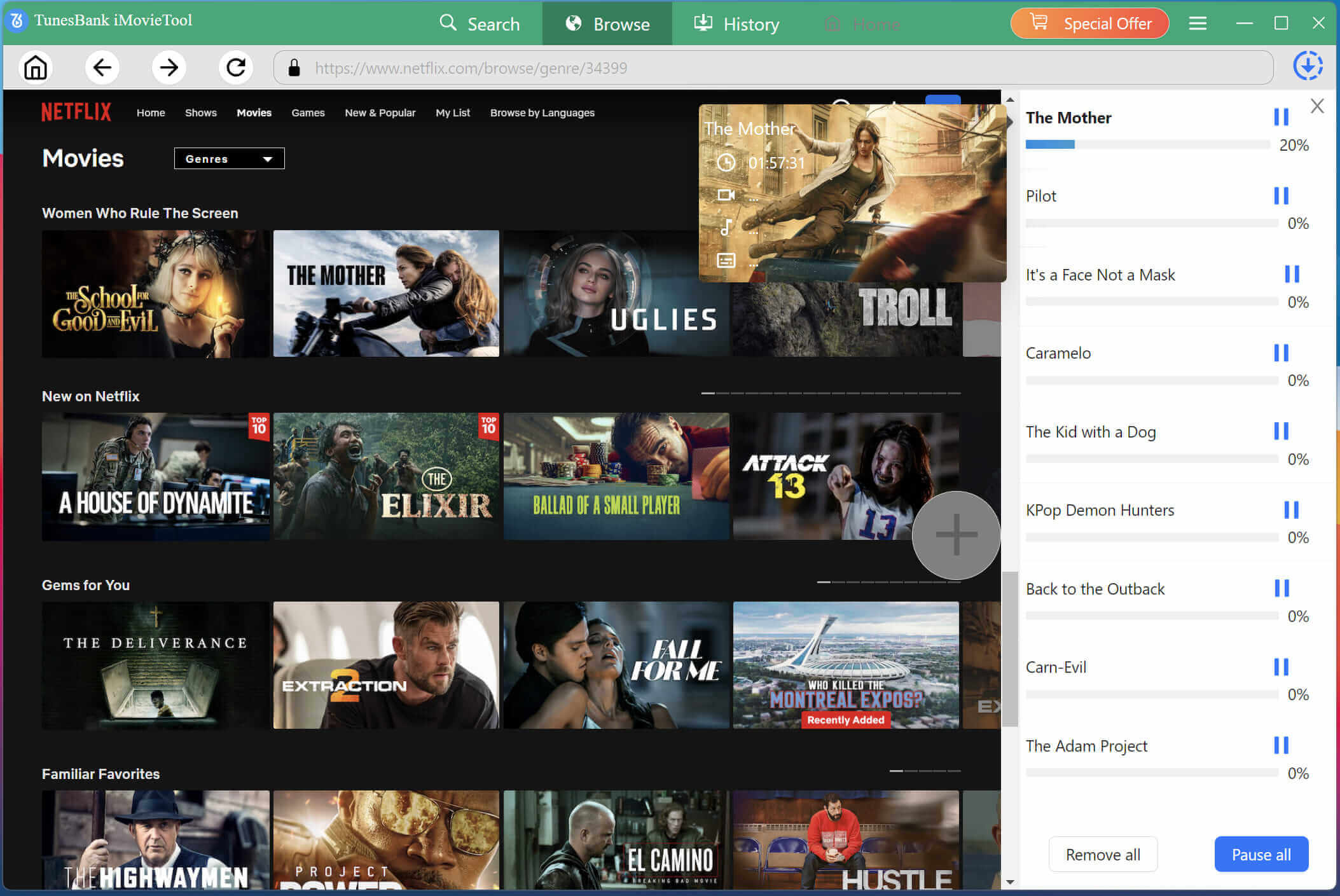
Download Netflix Movie in 1080p
Download Netflix videos in 1080p and even 4K high-quality (if available) for a better offline viewing experience.
Lightning-fast Download Speed
With our GPU hardware acceleration technology, our Netflix Downloader significantly reduces waiting times. Download an entire season of a show or a long-film quickly.
Netflix Videos to MP4/MKV
Convert Netflix videos to MP4 and MKV format for playing on PC, Mac, smartphone, smart TV, car player and more devices.
Preserve Original Audio & Subtitles(Multi-language)
Preserve original multi-language audio tracks (including 5.1 surround sound) and subtitle in multiple languages, so that brings you a cinema-like offline viewing experience.
Supports Batch Downloading
Powerful hardware acceleration and streaming integration boost batch download speeds by up to 50 times, you can download a full season or multiple movies in batch.
Easy-to-Use Interface
Simple, intuitive design for hassle-free downloads. Just copy & past video URL and start downloading, without installing any app/software.
Safe & Reliable
We don't store any of your data, all download processes are secure and confidential. No annoying ads or pop-ups—just smooth downloading.
No Ad Pop-ups
This Netflix Video Downloader is simple, fast, and secure. No annoying ads or pop-ups—just 3 simple steps to download videos from Netflix smoothly.
Our Reviews
Why Choose Us
NetflixDownload lets users download and watch Netflix movies & TV shows offline. It can save Netflix videos to MP4 and MKV in HD 1080P or 4K while keeping original audio tracks/subtitles in multiple language to view without buffering.
With a simple, intuitive design interface, making Netflix video downloading more easy. Just copying and pasting a video URL to boot downloading process. It also supports batch download feature with fast speed, letting you batch save multiple movies or entire TV series effortlessly.
User Reviews
John Smith
October 15, 2025
This is the best Netflix video download tool I've ever used! Simple interface, fast download speed, and completely free. Highly recommended!
Christian Worlitz
September 25, 2025
As a movie lover, this Netflix downloader has greatly improved downloading efficiency, it save me lots of time to complete a video downloading. Very practical!
Jens Hansen
November 12, 2024
Simple and easy to use, no need to install any software. This tool supports multiple formats and resolutions. I often use it to download shows and movies from Netflix. Five stars!
FAQs about Online Netflix Video Downloader
Yes, NetflixDownload is completely free to use. We don't charge any fees for basic download features. If you want to download 1080P/4k videos with more fast speed, you can try our Netflix Video Downloader software - iMovieTool Netflix Downloader, which can hep you download 1080P/4k Netflix videos with 50X fast speed, batch download support.
NetflixDownload basic version supports 720p resolutions, the premium version supports 1080p, and even 4K resolution (if the source video supports it). You can try our Netflix Video Downloader tool to get more higher resolutions video downloads, it full compatible with Windows 11/10/8.1/8/7 (32 bit & 64 bit), macOS 10.15 and above.
Netflix allows to download content for offline viewing through the official Netflix app only. You need to comply with Netflix’s terms of service if using third-party tools, which only for personal purposes.
NetflixDownload is a tool, and we respect all copyright laws. Users are responsible for ensuring that the content they download complies with copyright regulations and is used only for personal purposes.
We don't impose limits on download speed. The actual download speed depends on your network connection and the response speed of the source video server. If you want to download Netflix videos with more fast speed, we recommend you use our Netflix Downloader for desktop app.
iMovieTool Netflix Video Downloader can works prefect on Windows and Mac computer, it uses GPU hardware acceleration technology, which has unparalleled download efficiency, you can batch download multiple videos at the same time, it provides faster downloading efficiency.
Actually, our online Netflix downloader is designed for Windows and Mac users. However, after you downloading Netflix videos to computer with our tool, you can transfer Netflix downloads to your mobile devices for offline viewing.
Of course! You can save videos with subtitles and audio tracks in multiple language.
When you download movies/TV shows with the Netflix app, only 2 most relevant languages are kept. However, with our Netflix Video Downloader you can download subtitles and audio in any available languages you want.